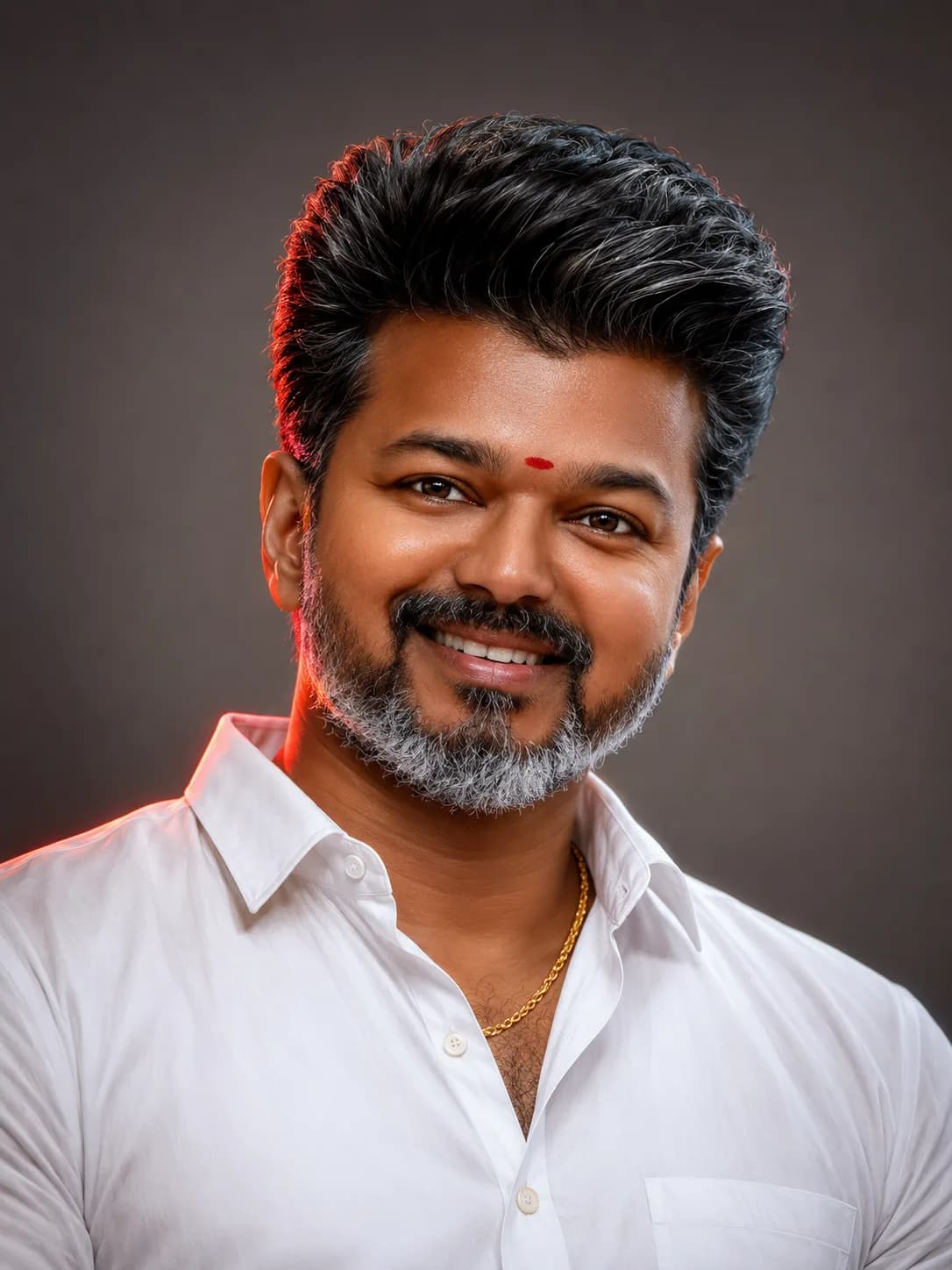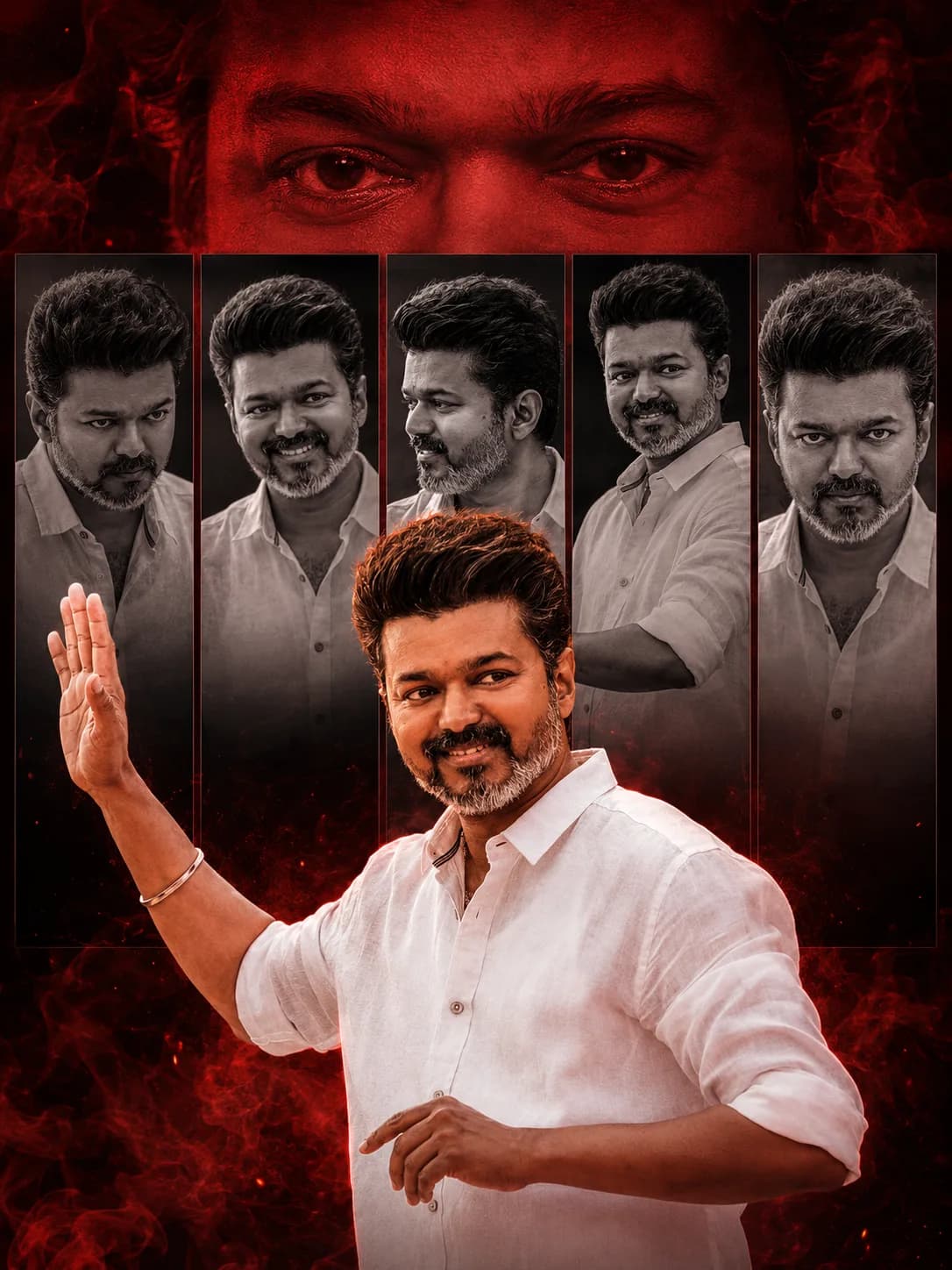
AI Hairstyle Grid Prompt: Lock Character Face Consistency
Whether you are developing character concept boards for video game design, conducting digital barber simulations, or maintaining personal branding models, retaining absolute facial recognition across multiple changes is a major bottleneck. Standard iterative text changes frequently distort nose shapes, jawlines, or underlying facial expressions. The definitive solution relies on the structured AI Hairstyle Grid Prompt format.
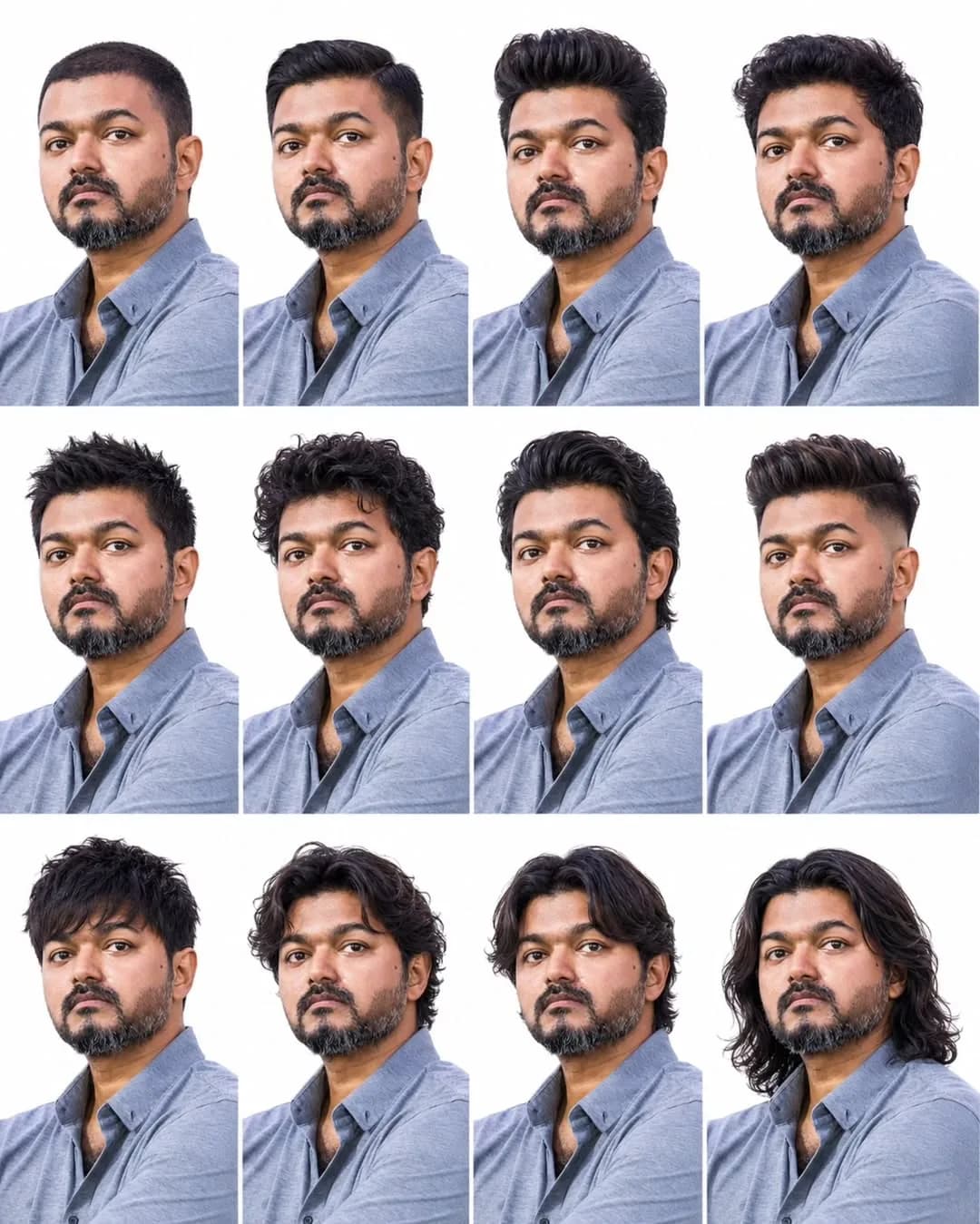
By forcing your generative artificial intelligence engine to process a rigid, structured multi-panel asset framework, you shift the system’s behavior. Instead of designing one isolated portrait with variable parameters, the system maps out a unified, simultaneous studio catalog matrix that binds your character identity tightly across twelve individual boxes.
---
The Difficulty of Face Preservation in Style Variation
When you prompt a text-to-image engine for "a buzz cut" in one message window and then type "long wavy hair" in the next, the neural network samples vastly different historical training data clusters. Long wavy hair models often carry different structural bone shapes or distinct jawline proportions compared to buzz-cut profiles. This results in the AI shifting your model's perceived identity between variations.
A multi-panel grid system counters this problem by forcing the algorithm to distribute an identical facial texture map laterally across all columns. It treats the rendering space as a singular, connected group photo shoot, anchoring base features while varying only the haircut elements.
---
Architectural Breakdown of the Matrix Grid Code
To ensure perfect execution across tools like Midjourney or Stable Diffusion, our system prompt follows three strict structural logic blocks:
The Multi-Panel Dimension Array: Specifying an exact grid configuration (like a "3x4 grid") forces the rendering engine to partition the canvas space evenly before sketching facial details.
The Invariant Attribute Anchor: Explicitly naming assets that must remain identical—such as "facial features, beard, and neutral lighting"—sets up strict rule boundaries that prevent the AI from varying facial hair or altering bone dimensions.
Style Variation Directives: Grouping individual target haircuts (buzz cut, pompadour, messy fringe) inside a clear string parameter tells the AI exactly where it has creative freedom to change details.
---
The Official AI Hairstyle Grid Prompt (Copy-Paste)
Use the optimized system prompt configuration block below to generate your character sheet. This prompt is structured for straightforward extraction into premium AI interface portals.
---
Workflow Routine for Flawless Model Execution
To achieve clean, professional-grade results without generating distorted or mismatched face mutations, execute your rendering using these steps:
Step 1: Mount the Character Template Vector
If you are utilizing a custom seed profile or specific reference image, pass the file link directly into the canvas input section as a character reference flag parameter. This gives the AI a baseline face shape to copy.
Step 2: Force Neutral Backgrounds
Do not allow the model to build contextual environments like streets or barbershops. Ambient elements add chaotic reflections and variable highlights onto the face. Stick to a clean white backdrop to maximize image clarity.
Step 3: Post-Generation Cropping Layouts
Once the multi-grid template completes its rendering process, you can easily use standard mobile crop functions to slice out individual 1:1 portrait squares for your marketing campaigns or personal hair catalogs.
---
Common Design Mistakes that Disrupt Character Unity
Omitting Explicit Panel Indexes: Relying on abstract text strings like "many haircuts" instead of a strict "3x4 grid" instruction causes chaotic panel formatting.
Allowing Changing Expressions: Adding emotion tags like "smiling panel, crying panel" triggers micro-muscle variations that alter facial profiles beyond recognition. Keep the gaze neutral.
Varying Global Studio Lighting: Allowing mixed lighting setups introduces asymmetrical facial tracking. Ensure all light directions are locked to a single "neutral studio light falloff."
---
Frequently Asked Questions (FAQs)
Does this grid format support women's haircuts?
Yes. Simply substitute the masculine references (such as "beard outline") with your desired feminine design criteria, keeping the 3x4 grid core structure intact.
Why does the AI mismatch the placement order of specific hairstyles?
Generative AI engines focus on filling the requested panel counts evenly rather than matching list order sequentially. All specified haircuts will render across the canvas, though their quadrant placement may vary randomly.
Can I turn the monochrome style grid into a color palette?
Absolutely. Remove the "monochrome rendering" keywords from the prompt code string and replace them with color-specific parameters like "natural color photography, accurate skin tones."s
---
Final Implementation
Creating character consistency across completely different style transformations is a streamlined process with the right setup. By executing a strict AI Hairstyle Grid Prompt template configuration, you successfully control the neural layout engine, generating high-end, professionally unified design assets with a single generation tap.
For more customized platform scripts, automation tutorials, and direct copy-paste design tool features, stay updated via our network archive link: @all_tech_tamil