ChatGPT Image Quality Increase Prompt: Get HD Clarity (2026 Latest)
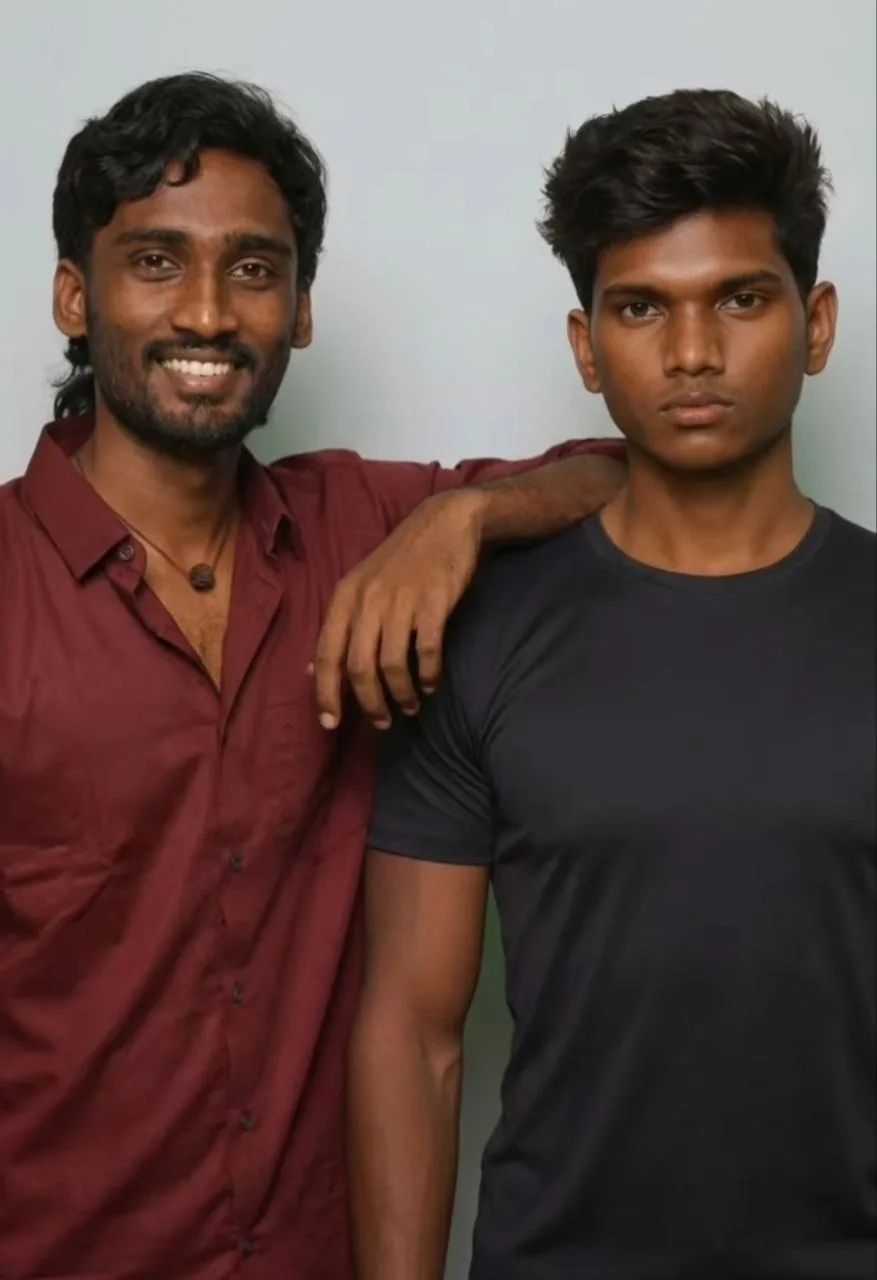
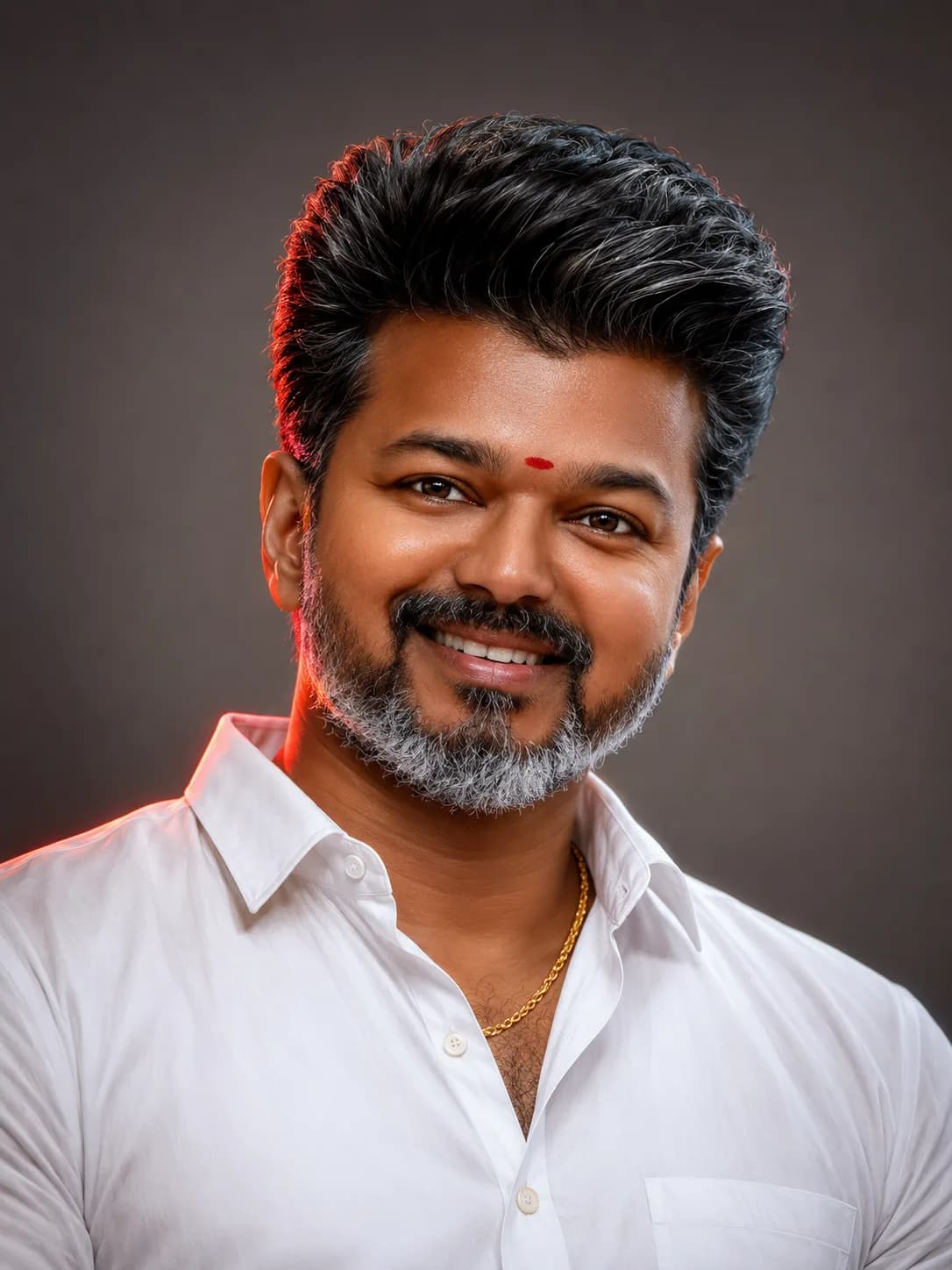
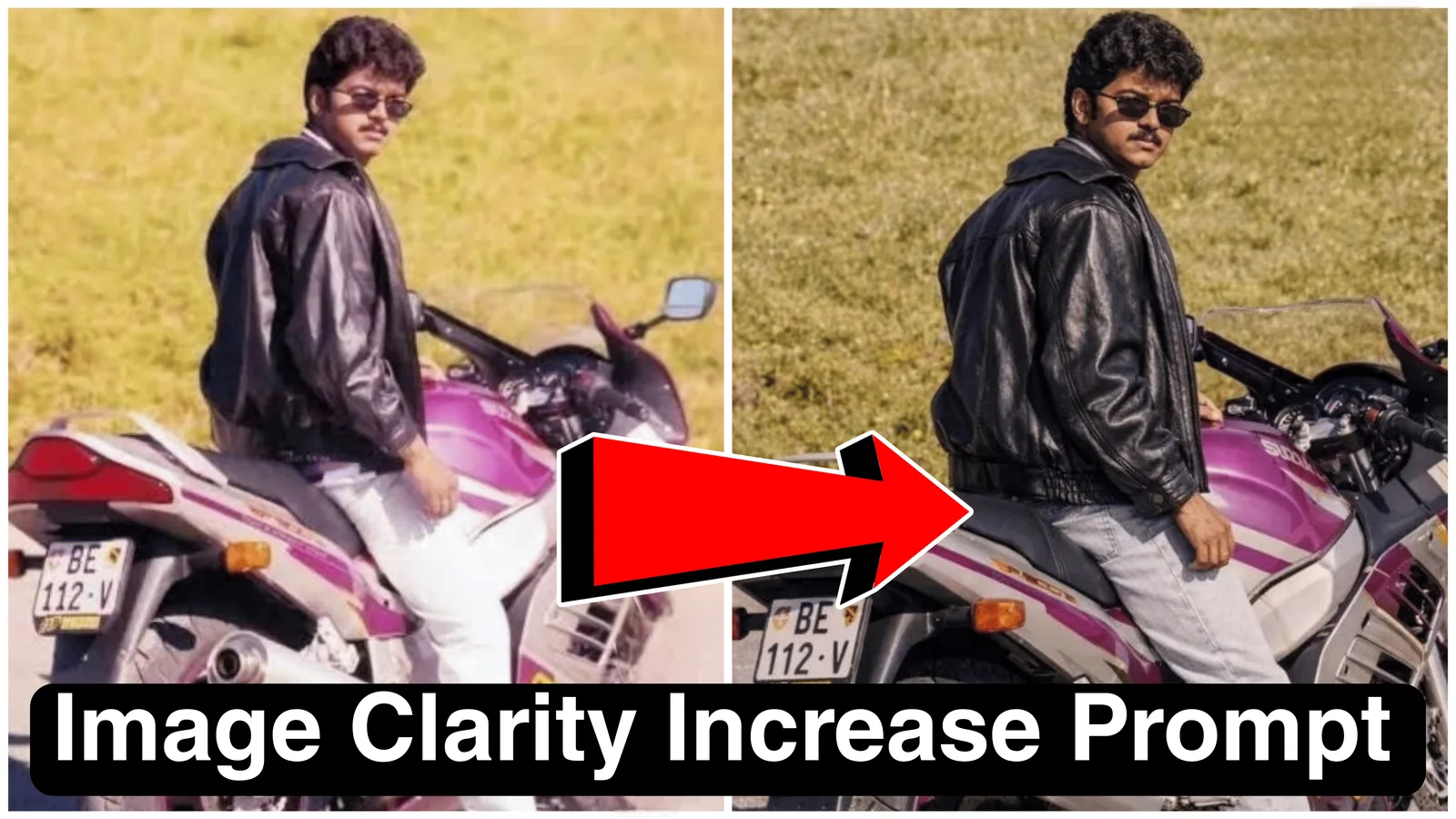
Generating images inside ChatGPT is effortless, but achieving the precise visual fidelity of professional-grade photography remains a primary challenge for many users. While AI models possess advanced creative engines, standard text inputs often yield flat, over-smoothed, or low-resolution results that lack necessary texture depth and structural definition. Fortunately, a systematic and targeted ChatGPT image quality increase prompt can enforce these critical parameters.
This premium system instruction acts as a strict guardrail for the underlying image generation model (like DALL-E). It prioritizes the structural preservation of your original subject while aggressively demanding upscaled texture clarity and high-end photographic lighting gradients, effectively converting a standard AI generation into a sophisticated, high-definition asset.
Understanding Image Generation Limitations in ChatGPT
By default, ChatGPT's creative engine prioritizes broad conceptual accuracy over minute pixel-level detail. The model assumes that "a real photo" can still include standard AI smoothing artifacts or generic dynamic range balance. Furthermore, standard user inputs lack the proper terminology to describe how complex lighting interacts with physical surfaces.
The core limitation isn't a lack of upscale capability; it's a lack of targeted *instruction*. AI models will naturally over-smooth or 'beautify' features unless explicitly commanded to prioritize original, raw texture fidelity and realistic contrast.
How the Clarity Increase Prompt Engineering Works
The architectural structure of this prompt is engineered using precise photographic terminology rather than vague aesthetic descriptions. It uses direct, commanding language to override generic behavior.
By breaking down the generation into preservation directives (keep subject identical) and enhancement demands (upscale sharpness and dynamic range), the prompt prevents the AI from altering identity while simultaneously optimizing pixel data. The inclusion of complex lighting components like "smooth directional key light" and "controlled shadows" forces the engine to calculate how light should realistically fall across the surface of your reference subject.
The Official ChatGPT Image Quality Increase Prompt (Copy-Paste)
Use the professionally formatted block below to instantly obtain the enhanced system instruction code. Copy and paste this text string directly alongside your uploaded reference image for immediate quality improvement.
Technical Deployment Checklist for Best Results
To maximize the technical execution of this prompt script, follow this strict preparation routine before generating:
Step 1: Start with the Best Reference Possible
While the prompt can enhance blur, it cannot generate missing data. Upload the highest resolution and sharpest reference image you have. A decent original photo provides the best structure matrix.
Step 2: Avoid Mixing contradictory System Instructions
Keep your input clean. Do not combine this prompt with directives for "style change," "illustration," or "face swap." The command stack must prioritize **clarity and preservation** above all else.
Step 3: Manage Conversational Context
If the AI engine begins to alter the subject after multiple turns, re-paste the primary preservation parameters or re-upload your master reference photo to reset the model weights.
Core Execution Rules and Preserve Parameters
Absolute Identity Guardrails: explicitly forbids the model from merging, blending, or substituting traits from generic datasets.
Dynamic Range Optimization: instructs the model to optimize balance between raw dark areas and intense highlights, preventing data crushing.
Forced Realistic contrast: prevents the AI from generating flat, unlit graphics. It demands calculated shadow logic for realistic depth.
Frequently Asked Questions (FAQs)
Does this prompt work with AI models besides ChatGPT?
Yes. While engineered for the semantic understanding of ChatGPT (DALL-E 3), this prompt structure is highly effective in other advanced image generation models like Leonardo AI, Stable Diffusion, and Adobe Firefly.
Why did the AI change the hairstyle or face slightly?
This drift can occur if your reference image is extremely low resolution or poorly lit. The model may have had insufficient structural data and 'guessed' details. Ensure you start with a decent source matrix.
Can this prompt fix extreme blur or motion artifacts?
No prompt can magically recover missing details. It can enhance existing structures and improve contrast to simulate clarity, but it cannot authentically reconstruct face landmarks lost in extreme blur.
Final Overview
Achieving professional, high-end visual fidelity isn't a complex mystery, nor does it require complex manual post-production masking workflows. By utilizing structural engineering methods through the ChatGPT image quality increase 8k prompt, you can produce professional-grade, high-definition visual assets natively inside the conversational interface with minimal effort.
For more optimized prompt modifications, premium web utilities, and fast automation tutorials, explore our direct community archive hub link: @all_tech_tamil