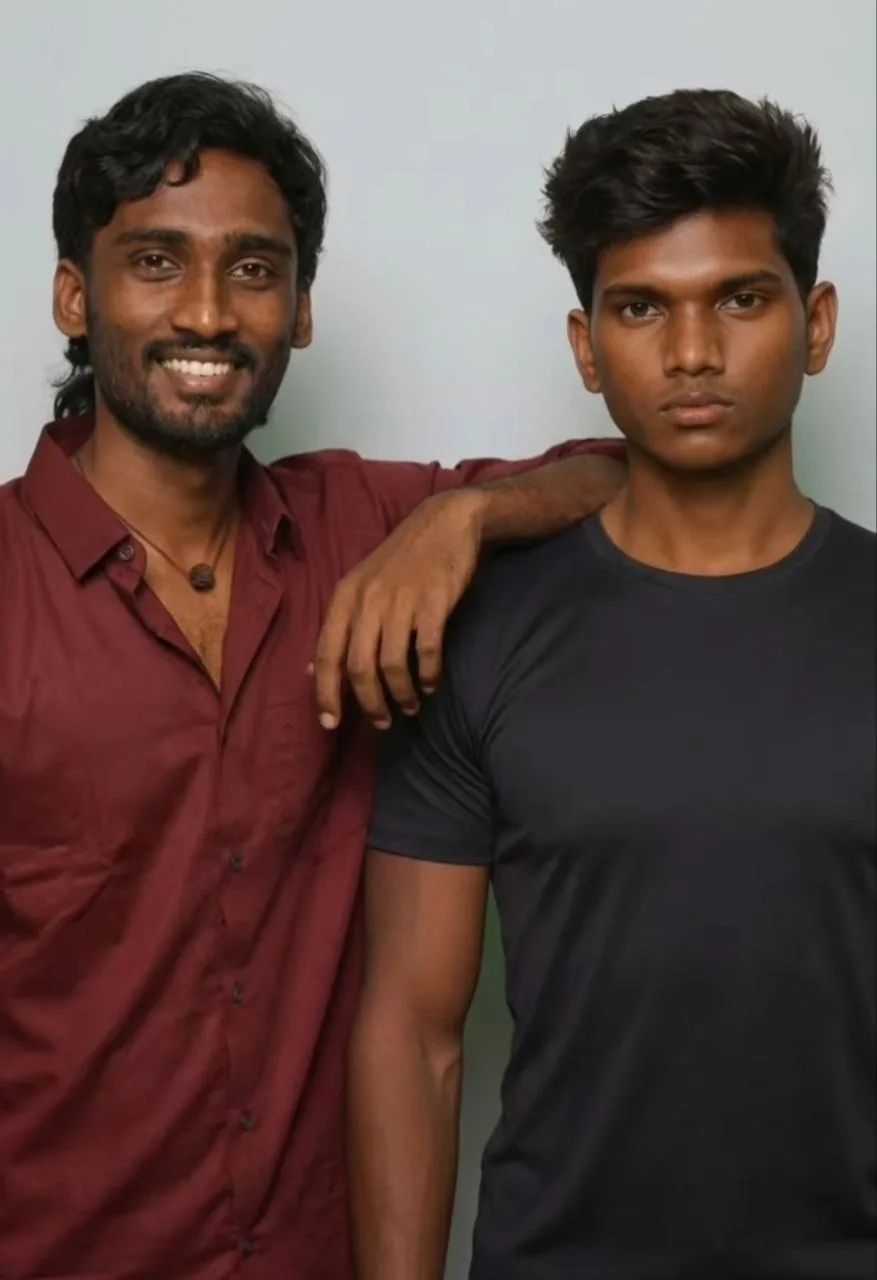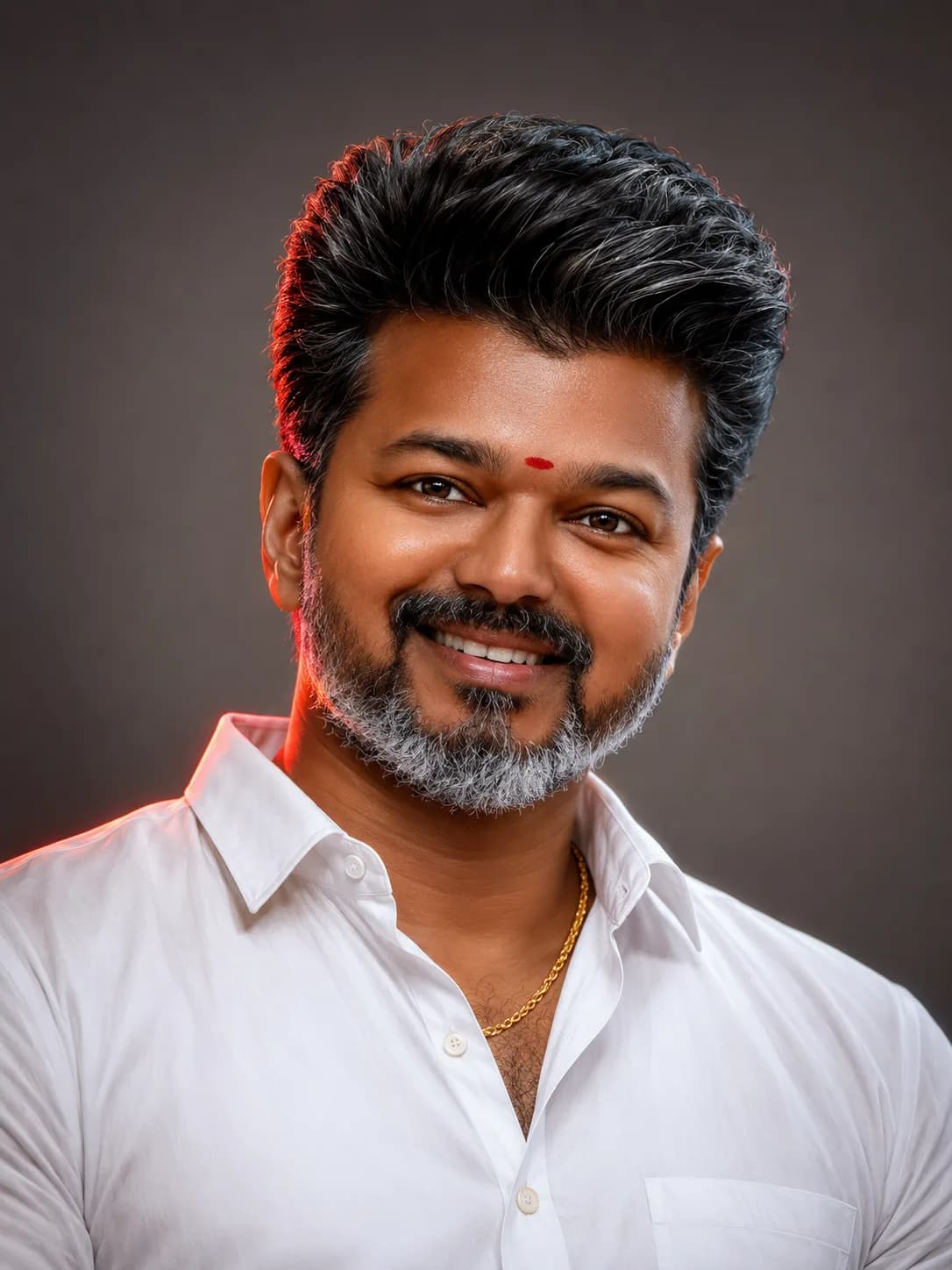

Luxury Studio Mirror AI Portrait Prompt: Copy Best Script
Generating high-fidelity character illustrations is remarkably accessible today, but transitioning from standard digital artwork into the realm of premium, high-end editorial campaign imagery requires strict structural prompt execution. A major indicator of professional studio photography is the deliberate use of environmental depth—specifically, complex glass elements. By utilizing a luxury mirror AI portrait prompt, creators can instantly trigger these advanced spatial behaviors.
This tutorial breaks down the exact composition structures, virtual lenses settings, and balanced color grading values necessary to command AI engines to render an authentic mirror reflection while maintaining realistic skin grain and clean shadow falloffs.
The Power of Reflection Mechanics in Generative Media
Most common AI-generated headshots place the subject directly in front of the lens against a flat backdrop. While this approach keeps things simple, it often results in an artificial, stock-photo aesthetic. Introducing a double-plane reflection layer immediately shifts the dynamic, telling a far more compelling visual story.
By splitting focus fields between a blurred foreground shoulder silhouette and a sharply focused mirror glass panel, you introduce natural layer complexity. This arrangement forces the image model to compute secondary depth planes, producing a result that mimics premium editorial lookbook assignments.
Deconstructing Foreground Blurs and Overlap Physics
To successfully code this layout within generative neural text networks, the prompt must prioritize specific structural variables:
The Over-The-Shoulder Plane: Establishes the physical depth anchor by instructing the model to place the camera directly behind the character, leaving only a soft out-of-focus boundary element.
Gaze Direction Vectors: Forces intense, direct eye contact to track through the reflection plane rather than looking straight into the physical camera sensor axis.
The Fragrance Ad Palette: Limits overall tones to muted luxury, neutral warm beige highlights, and deep crushed blacks to establish a high-contrast cinematic atmosphere.
The Official Luxury Mirror AI Portrait Prompt (Copy-Paste)
To apply this high-end editorial studio setup to your character pipelines, copy the fully optimized, production-ready script block directly below:
Implementation Staging Checklist for Maximum Realism
For consistent, high-end results that look like authentic studio photography, follow this structural implementation checklist:
Step 1: Set Up Your Identity Anchors
If you're using a specific face model, upload your clear, front-lit reference portrait. Set your character reference parameter weight to high to ensure your features carry over accurately into the reflection.
Step 2: Maintain Shallow Depth of Field
The include of specialized photography tags like "85mm lens, f/1.4 aperture" is critical. These commands instruct the AI engine to blur the background and foreground layers, emphasizing the sharp reflection.
Step 3: Keep Textures Natural
Ensure the prompt retains phrases like "natural imperfections" and "realistic skin texture." This stops the AI from outputting the overly smooth, plastic skin look typical of lower-tier models.
Avoiding Over-Processed Rendering Artifacts
Double-Face Errors: Occasionally, the model might accidentally render two distinct faces—one on the foreground head and one in the mirror. If this happens, re-verify your "camera positioned behind the subject" instruction.
Blown-Out Exposures: Keep your lighting descriptions clean. Avoid using hyper-intense phrases like "ultra-bright studio lights," as they can blow out details on light outfits like an ivory blazer.
Unrealistic Mirror Symmetries: Ensure the background elements in the room line up logically with the perspective angle shown in the mirror reflection.
Frequently Asked Questions (FAQs)
Can I swap out the ethnicity or age parameters?
Yes. You can customize the placeholder text within the appearance tags (e.g., swapping "South Asian man" or "salt-and-pepper hair") to perfectly match your target model persona.
Which aspect ratios complement this composition best?
Vertical aspect ratios like 5:7, 4:5, or 9:16 work beautifully, as they give the framing enough vertical space to capture both the foreground shoulder and the reflection.
Why are real-world lens specifications included in the text string?
Including phrases like "85mm lens" instructs the AI model to mimic the compression and natural bokeh characteristic of high-end camera equipment.
Final Conclusion
Crafting high-end, luxury-magazine-style portraits is all about mastering depth and perspective. By using a clever over-the-shoulder framing technique alongside precise photographic lighting terms, you can bypass generic AI styling and produce professional, campaign-ready imagery directly inside your interface.
For more premium prompt guides, mobile editing workflows, and automated script setups, join our central creator community network: @all_tech_tamil