Viral Pavazhamalli AI Portrait Prompt: Golden Glow Editing Tutorial
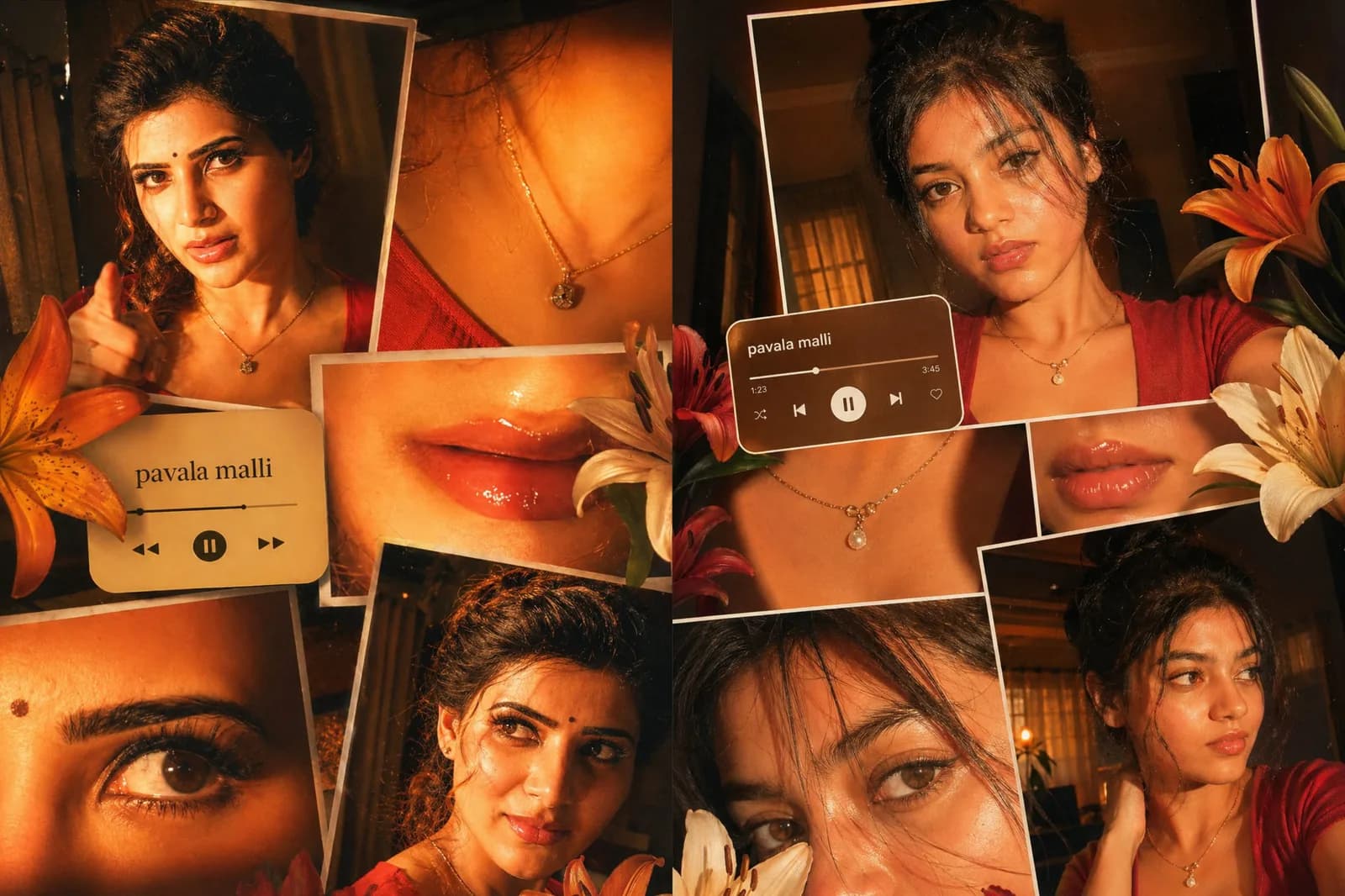
The global photography editing landscape has taken a heavily stylized turn, shifting toward warm, moody nostalgia. Leading this movement is the highly sought-after Pavazhamalli AI Portrait Prompt aesthetic. Inspired by contemporary South Indian independent musical art direction and high-contrast ambient night portraitures, this configuration builds an uneven scrapbook style collage blanketed under a premium, rich amber flare.
Generating a detailed layout that naturally blends cropped macro close-ups of eyes and lips alongside a realistic portrait can often cause standard artificial intelligence algorithms to distort facial symmetries. By adopting a structured multi-panel directive script, creators can keep absolute facial continuity across multiple sub-frames easily.
The Evolution of the Viral Pavazhamalli Aesthetic
Named after the fragrant coral jasmine flower and popularized alongside breakthrough independent melodic hits, the layout relies heavily on late-90s vintage film processing attributes mixed with sharp smartphone snapshot elements. Instead of clinical, over-polished studio beauty portraits, this format welcomes deliberate harshness—such as direct front-left camera flashes, slight edge vignetting, and deep contrast structures.
The defining charm of this layout style is its unique multi-perspective approach. A single digital image tells a larger story by showcasing a collection of distinct angles, tight focus compositions, and overlaid graphic assets like floral lily decals and minimal audio interface widgets.
Critical Image Layer and Framing Deconstruction
To successfully code this complex graphic design directly inside artificial intelligence image generation networks, the generation instruction separates formatting elements into three precise pillars:
Asymmetric Scrapbook Framework: Dictates uneven rectangular block overlapping structures, separating full portraits from extreme feature close-ups.
Dominant Amber Hue Calibration: Enforces a strict palette balance dominated by warm tones, burnt copper, high saturation values, and crushed ambient blacks.
Integrated Interface Overlay: Directs the model engine to render a stylized, translucent music player card block displaying artist tags ("Devaa") and project headers ("Pavazhamalli").
The Official Pavazhamalli AI Portrait Prompt (Copy-Paste)
To reproduce this high-contrast digital camera night aesthetic, copy the optimized system prompt from our custom data block below:
Technical Execution: Staging the Golden Flash Elements
To ensure your chosen reference model translates flawlessly into this multi-frame collage without transforming into an unrecognizably stylized rendering, maintain these core operational rules:
Step 1: Set Up Base Character References
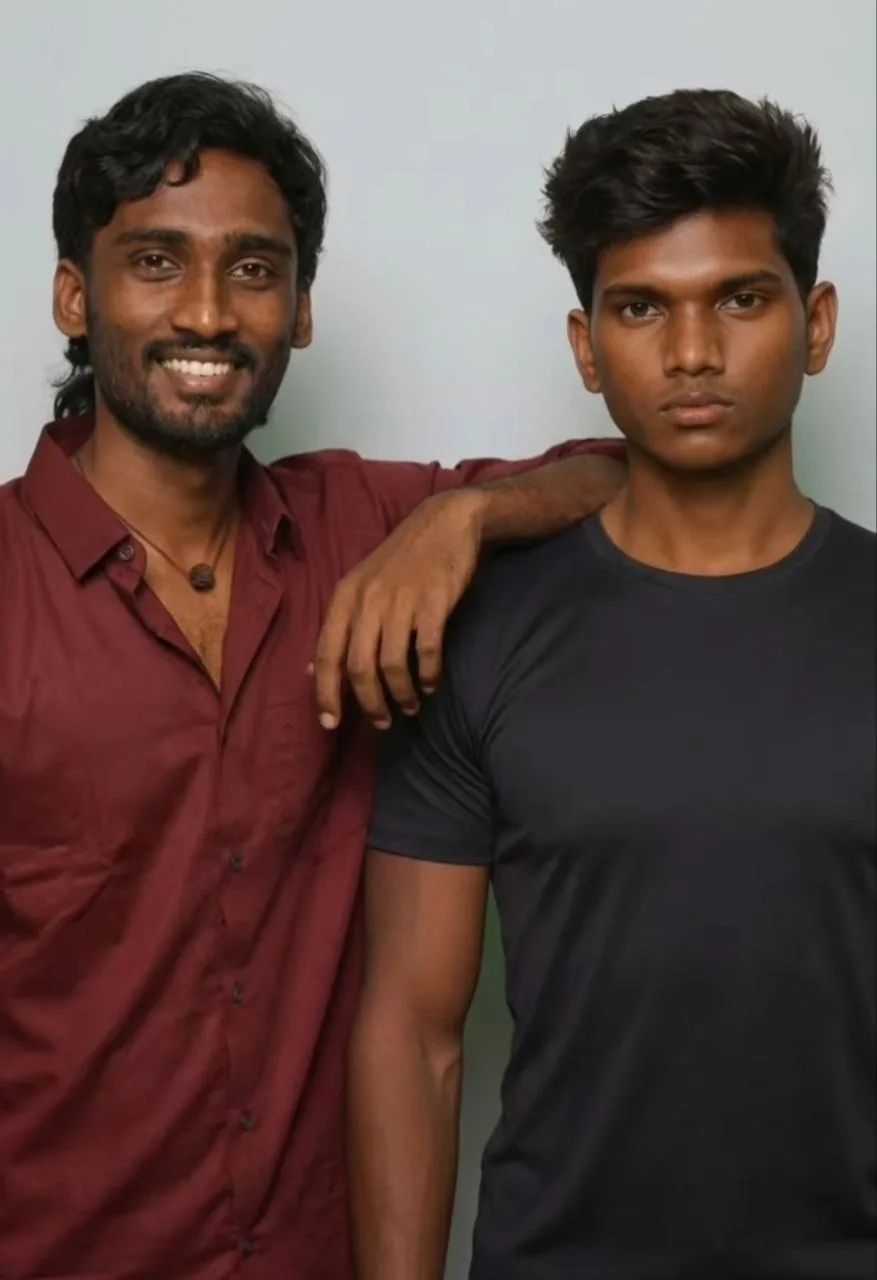
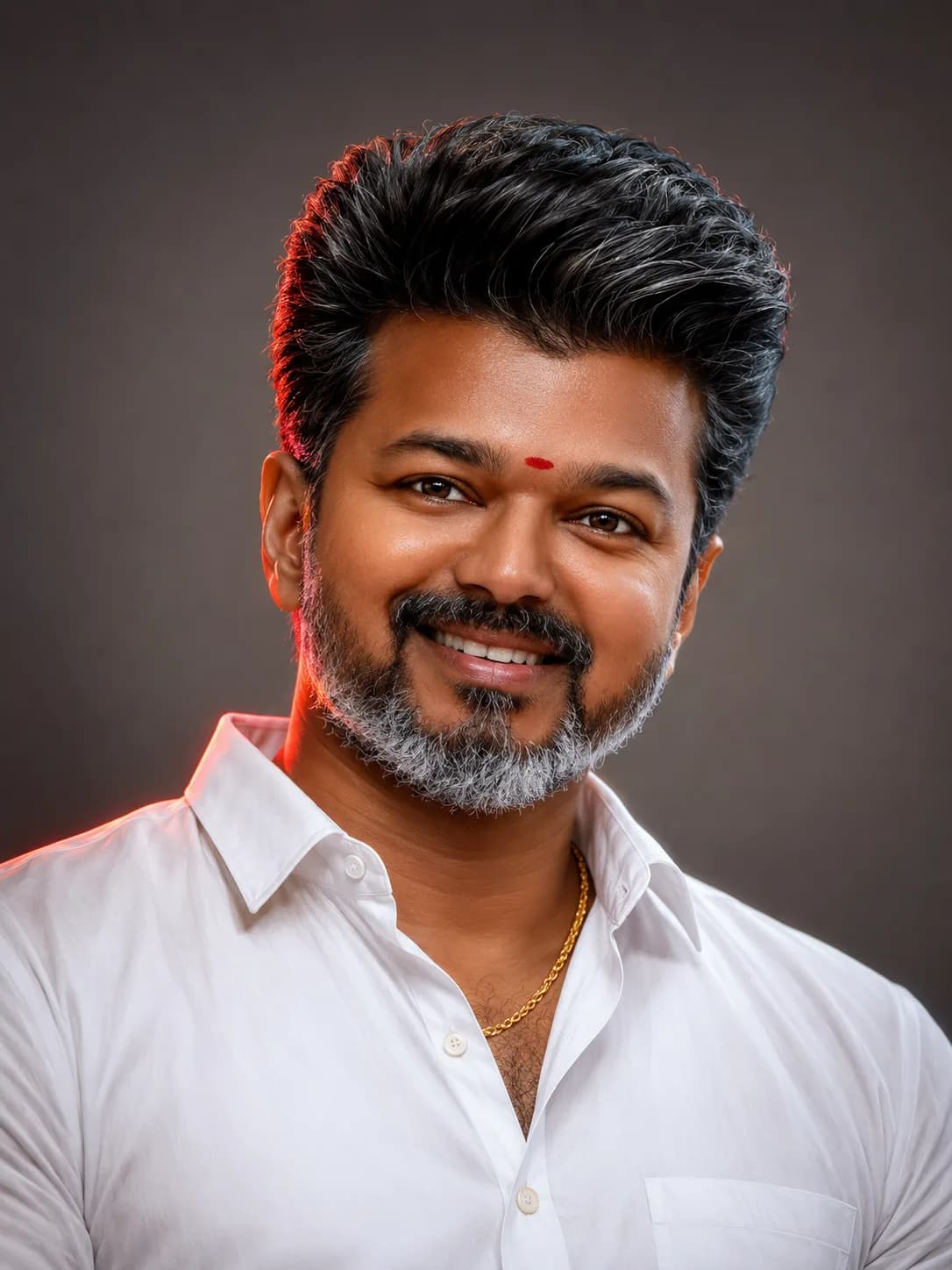
Upload a clean, front-facing, high-definition portrait photo as your structural face template. If using advanced prompt weights, maximize character reference weights to force absolute feature tracking across all four internal collage quadrants.
Step 2: Balance the Hard Flash Contrast
The prompt uses specific wording to trigger an old-school point-and-shoot camera look. Ensure that your generation settings allow for high dynamic range contrast so that the shadow split cleanly separates the face profiles.
Step 3: Fine-Tune the Graphic Elements
If the AI model drops the text overlay or misspelled the titles, simply pass the generated asset into a lightweight secondary mobile layer app (such as PicsArt or Canva) to drop an authentic, crisp PNG music bar widget over the center-left axis.
Common Mistakes to Avoid in Multi-Panel Face Generations
Over-Smoothing Face Details: Avoid using terms like "porcelain skin" or "perfect airbrushed face." These phrases trigger plastic textures that completely ruin the organic point-and-shoot camera aesthetic.
Diffused Ambient Lighting: Standard softbox lighting destroys the dramatic shadow split across the face panels. Ensure the prompt text enforces "direct hard flash lighting."
Symmetric Panel Grid Alignment: Traditional neat grids remove the scrapbook look. Always specify "uneven spacing" and "overlapping diagonal panels" to maintain the trend's casual, artistic feel.
Frequently Asked Questions (FAQs)
Why does the AI sometimes misspell the text inside the music player?
Text rendering can fluctuate across AI graphic generation models. If the player UI displays typos, simply brush out the text area using a generative fill tool or overlay a customized graphic card in post-production.
Which generation tool handles this collage composition best?
Midjourney V6 offers exceptional multi-angle tracking capabilities, while stable diffusion models paired with structural image control layers provide immaculate contrast control for deep amber color balancing.
Can I alter the song name within the text string code?
Absolutely. Feel free to swap out the values within the double quotation marks to represent your favorite tracking tune, artist tag, or custom sound snippet.
Final Overview
The Pavazhamalli collage prompt template stands out as an excellent blueprint for multi-layered prompt architecture. By clearly defining separate composition blocks, specifying precise light sources, and outlining exact color grading steps, creators can routinely generate high-end, viral-ready social media poster graphics directly on their mobile phone tools.
For more high-end prompt configurations, mobile workflow breakdowns, and instant script templates, explore our network hub dashboard: @all_tech_tamil