Viral Then vs Now Time Travel AI Photo Editing Tutorial (2026)
Social media feeds are currently flooded with a deeply sentimental visual trend: creators sitting face-to-face alongside their childhood selves. This creative Then vs Now AI Photo Prompt system bypasses traditional, tedious desktop layout masking, instead letting generative model layers weave two drastically different eras into a singular, breathtaking studio frame.
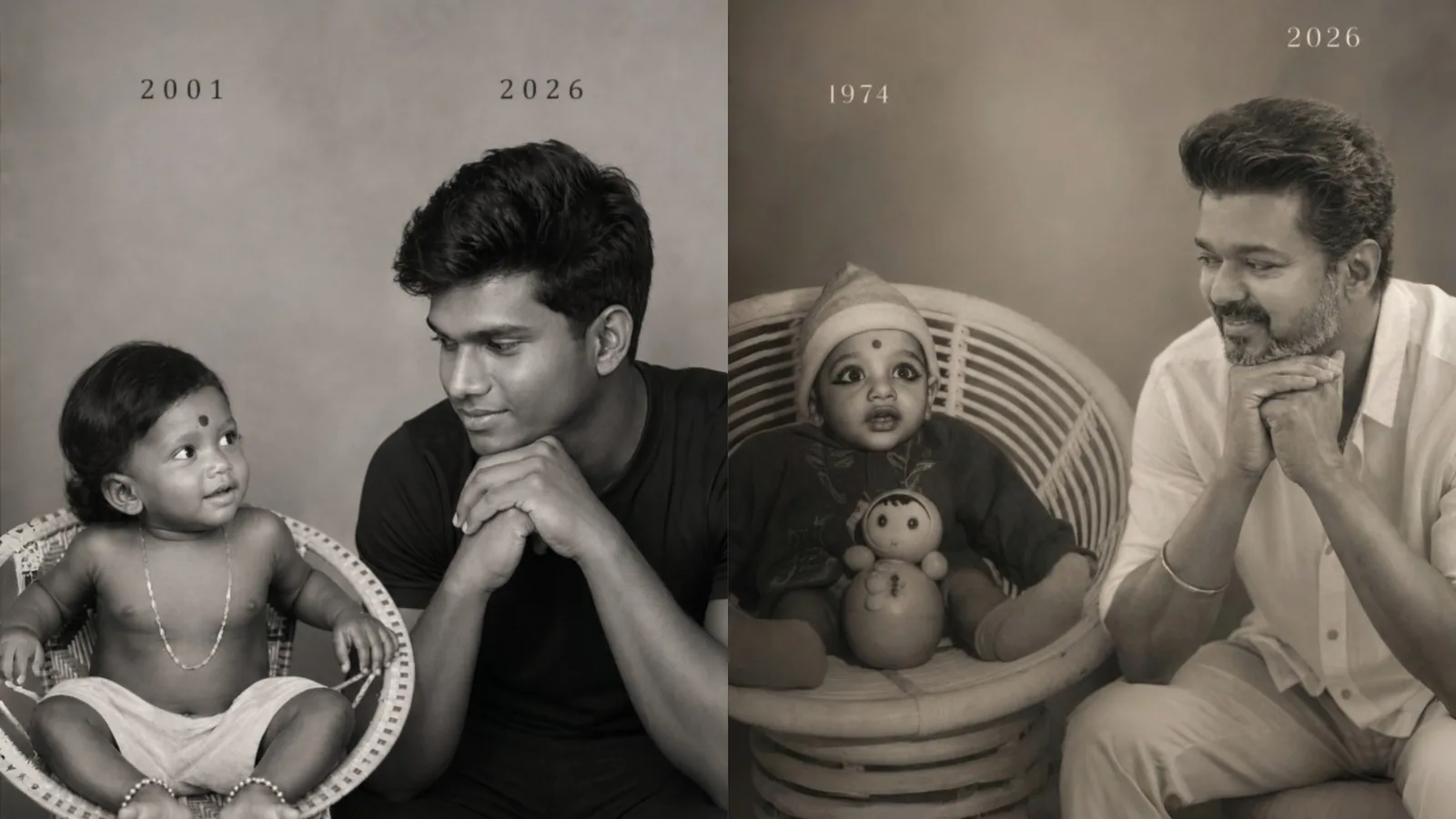
By blending an authentic 2001 childhood photograph with a present-day 2026 adult portrait profile, the output delivers a rare emotional weight. In this tutorial, we will supply the exact architectural script to create this monochrome masterpiece while preserving raw anatomical features without digital distortion.
The Rise of Emotional Nostalgia in Gen-AI Trends
Most viral internet aesthetics focus heavily on glossy, futuristic cyberpunk designs or flashy illustration portraits. However, the true power of structural prompt layout design shines when capturing raw human connection. The "Time Travel Portrait" acts as a bridge between separate timelines, highlighting facial growth, passage of time, and personal history.
The magic depends strictly on gaze tracking and visual communication—the younger self peering innocently up into the future, while the mature adult gazes down with an empathetic, protective, and calm expression.
Deconstructing the Then vs Now Layout Parameters
To successfully communicate this aesthetic sequence to a generative engine, the prompt configuration must split its priority rules cleanly down the middle:
Left Sector Anchor: Captures the innocence of the infant persona, utilizing specific timeline markers like "2001" and historical framing cues (e.g., traditional wicker chairs or regional accessories).
Right Sector Anchor: Anchors the adult counterpart, focusing heavily on pose mechanics like resting hands beneath the chin to signify introspection.
Universal Color Unity: Forcing a uniform monochrome black-and-white filter naturally eliminates historical lighting differences between an old scanned print and a modern phone camera snap.
The Official Time Travel AI Studio Prompt (Copy-Paste)
To construct your personal historical portrait graphic, copy the professionally organized prompt framework inside our custom automated container block below:
Step-by-Step Production Guide for Best Face Accuracy
For pristine results that look like an authentic, high-end editorial gallery photoshoot, implement this staging checklist:
Step 1: Prep Your Reference Images
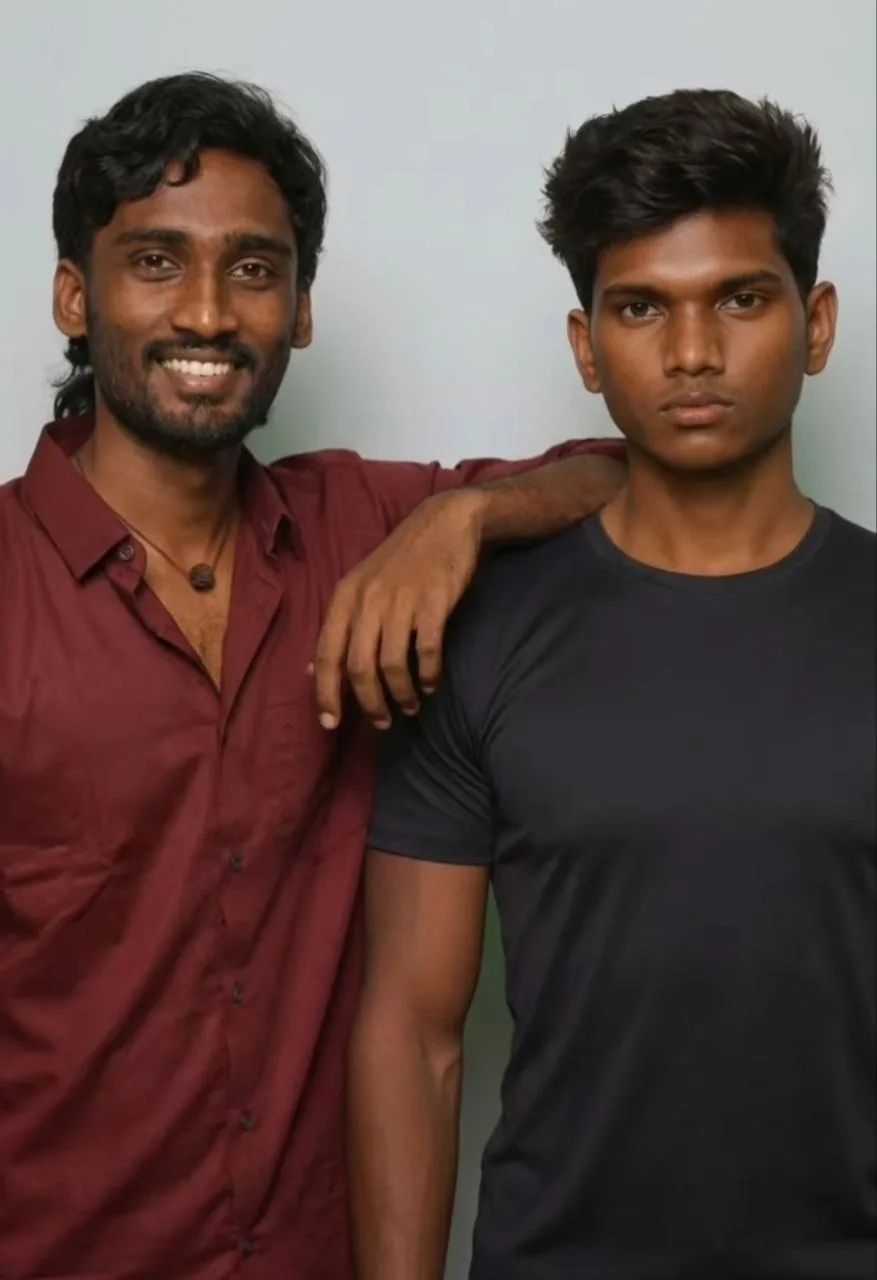
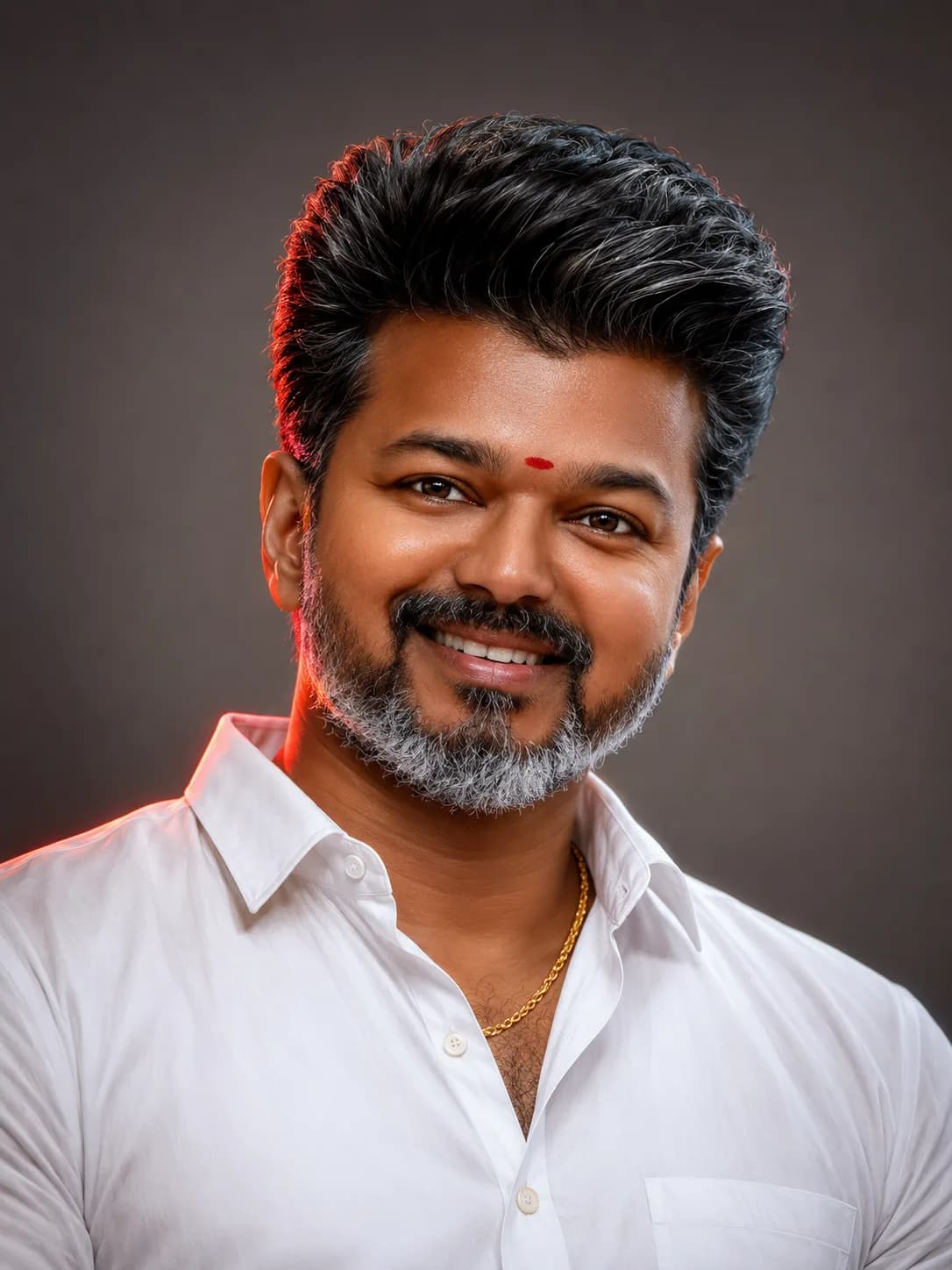
You will need two base templates. Use a clear scan of your old childhood photo and pair it with a crisp, well-lit portrait of your current self. Crop out busy background clutter from your inputs beforehand if possible.
Step 2: Initialize Image-to-Image Parameters
Upload both files as a multi-reference input within tools like Midjourney or stable diffusion configurations. Assign equal model weights to both sources to keep the underlying bone structures consistent across generations.
Step 3: Run the Greyscale Structural Script
Paste the copy-pasted string above into your prompt terminal. If using specialized canvas editors, you can manually guide eye lines by slightly tracking the adult's gaze vectors downward toward the child's coordinate zone.
Critical Mistakes That Break the Photorealistic Illusion
Over-Smoothing Textures: Do not allow the generator to brush away skin grain, hair detail, or fabric wrinkles. True realism lives inside micro-textures.
Misaligned Eye Contact: If the child looks straight forward while the adult looks away, the emotional illusion falls apart entirely. Ensure eye contact vectors intersect naturally.
Improper Font Formatting: Keep date inscriptions ("2001" and "2026") minimal, small, and clean. Thick, glowing 3D font variations degrade the fine-art style.
Frequently Asked Questions (FAQs)
Can I customize the years inside the script text?
Yes. Simply open the text-area code block before hit copying, and substitute "2001" and "2026" with your specific birth year and the current date parameters.
Which AI tools support this specific dual-image mapping?
Midjourney V6 (using multiple --cref URLs), Stable Diffusion ControlNet layers, and modern face-swapping engines handle multi-age asset distribution best.
Why is a black-and-white layout preferred over rich color grading?
Monochrome values seamlessly blend disparate camera eras, converting low-resolution film grain from 2001 and high-end 2026 digital pixels into a unified art frame.
Final Thoughts
The childhood vs present studio portrait setup stands out as a beautiful display of advanced prompt engineering. By standardizing framing guidelines, restricting color models, and prioritizing human interaction dynamics over chaotic digital visual elements, you can quickly achieve museum-grade commemorative digital prints.
For more trending design prompts, viral editing strategies, and direct tools, subscribe to our central community dashboard channel: @all_tech_tamil