Viral Pixel Stretch AI Photo Prompt: Liquid Motion Art Guide (2026)
Modern digital aesthetics continuously shift between absolute realism and high-concept abstraction. One stylistic trend currently captivating design communities across social networks is the fluid, premium liquid stretch effect. By taking a specific Pixel Stretch AI Photo Prompt and applying it to a sharp reference file, creators can seamlessly stretch background attributes into silk-like light ribbons while anchoring their main portrait with crystal-clear resolution tracking.
Historically, constructing clean path masks of this style demanded hours of selective layering, smudge warping, and directional blurring inside advanced editing tools like Adobe Photoshop. Today, with precise prompt engineering and structural reference management, you can generate this museum-grade composition natively inside your generation workspace terminal.
The Aesthetic Appeal of Liquid Pixel Stretching
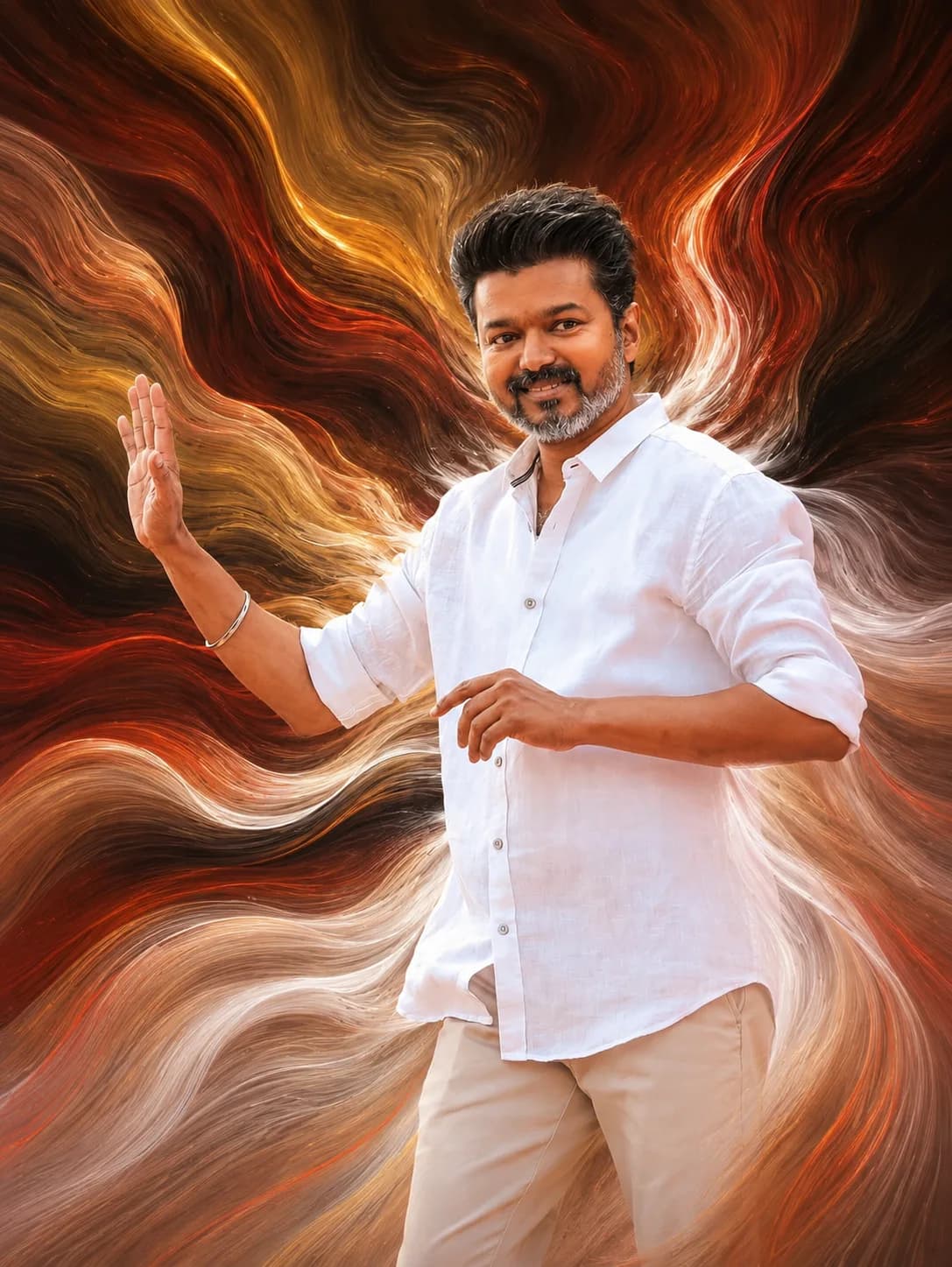
What sets the premium pixel stretch layout apart from generic glitch graphics is its focus on elegant continuity and organic flow. Rather than creating jaggy, corrupted pixel columns or harsh digital artifacts, the system pulls out smooth, flowing lines that mirror real-world fluids like running paint, wisps of smoke, or long-exposure light trails.
This creates a stunning visual juxtaposition: the human subject remains entirely undisturbed, crisp, and anchored, while the surrounding environment stretches out dynamically into abstract motion waves that track across the portrait coordinate field.
Critical Elements: Protecting the Subject Matrix
To prevent generative AI engines from turning your entire reference photo into a chaotic smear of colors, your structural script must apply strict boundaries:
Subject Isolation Bounds: Commands the system to freeze the core persona coordinates, protecting original facial anatomy, clothing textures, and lighting balances.
Ribbon Fluidity Mechanics: Specifies smooth transitions over harsh jagged lines, ensuring that the pulled pixels extend out like organic, continuous material channels.
Atmospheric Color Matching: Instructs the tool to draw its color palette directly from the source image, keeping the overall tonal balance unified.
The Official Pixel Stretch Digital Art Prompt (Copy-Paste)
To transform your standard headshots into high-end, flowing graphic layouts, copy the fully optimized prompt code script located in our responsive portal block below:
Step-by-Step Generation Guide for High Fidelity Outputs
Follow this exact preparation checklist to generate premium outputs on your first attempt:
Step 1: Prep a Sharp Base Reference
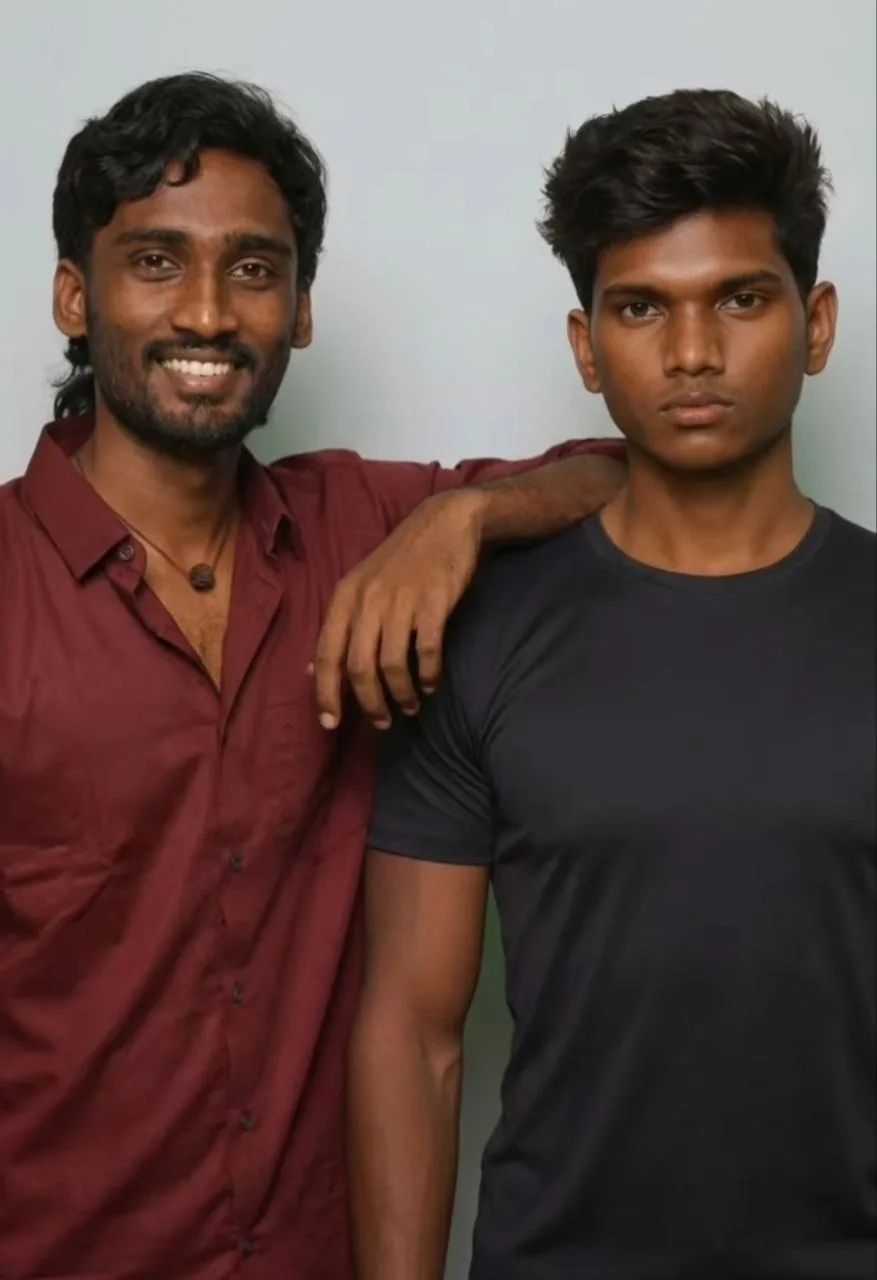
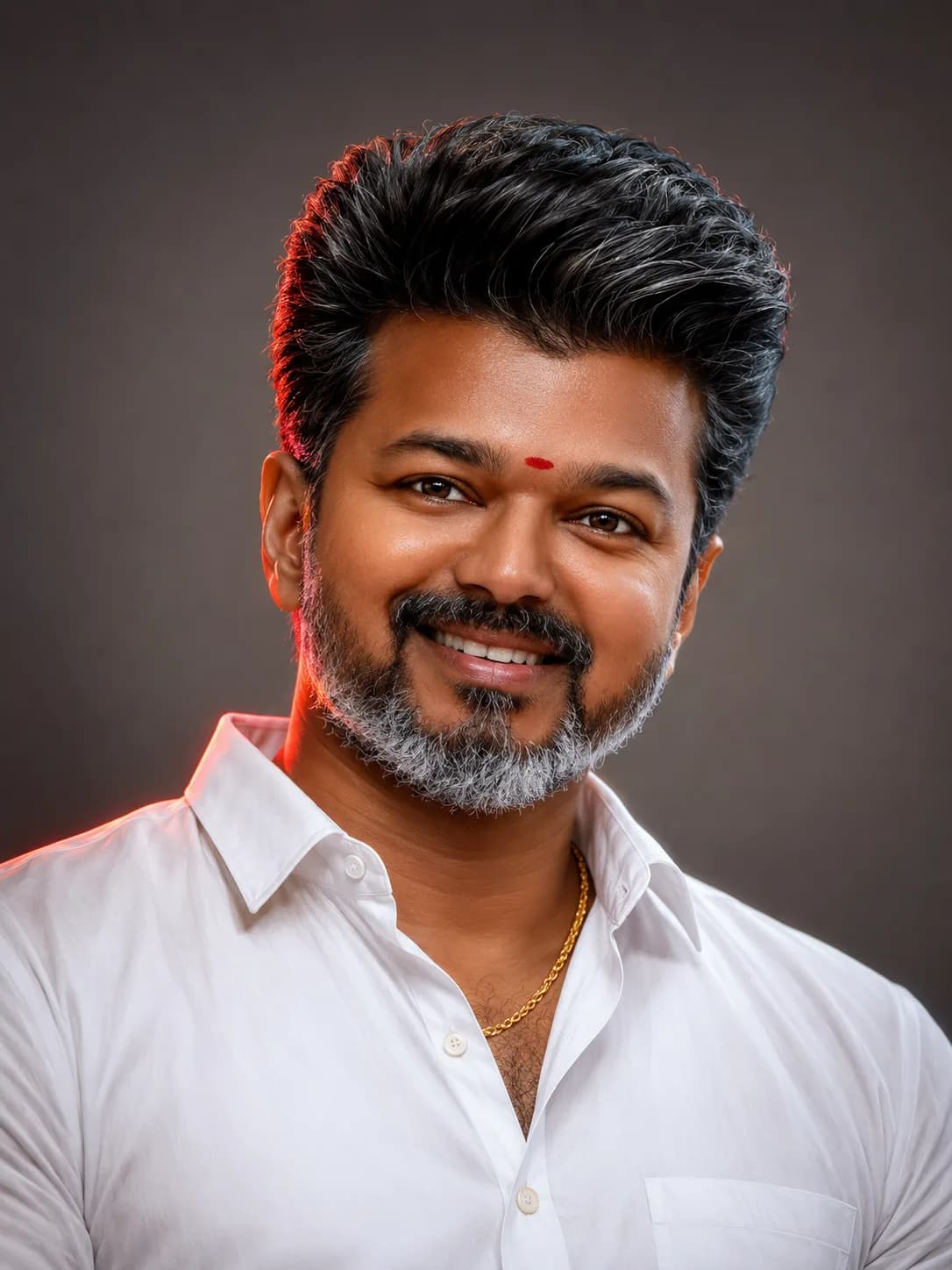
Upload a high-resolution, high-contrast portrait photo. Clean profiles with well-defined edge boundaries make it much easier for the AI to isolate the subject from the background before applying the stretch ribbons.
Step 2: Initialize Image Weights
If utilizing advanced multi-link generators like Midjourney, apply a solid character reference token weight to protect the facial mesh from warping when the liquid effect renders around the borders.
Step 3: Run the Code Script
Paste the copy-pasted string into your prompt dialogue block. If you wish to guide the direction of the flowing ribbons, simply insert descriptive phrases like "stretching horizontally to the left side" or "flowing downward into spiral motion waves" directly into the center of the text string.
Common Design Mistakes That Cause Glitch Distortion
Using terms like "Glitch Art": Words like "glitch" or "corruption" cause the AI to generate pixel blocks, color static, and jagged lines, which destroys the sleek, premium look of the ribbons.
Weak Character Reference Filters: Forgetting to pin your subject's face layout can cause the model to stretch human features, like pulling the ears or nose along with the color streaks.
Overloading the Background: Busy, complex backgrounds create messy, muddy color mixtures in the stretch lanes. Use clean, solid backdrops for the best ribbon definition.
Frequently Asked Questions (FAQs)
Can I define which direction the pixel ribbons stretch?
Yes. You can edit the text string to specify directions, such as adding "flowing outward diagonally from the right side" or "stretching vertically toward the top canvas edge."
Which generation tool produces the absolute silkiest motion blur textures?
Midjourney V6 provides beautiful artistic color integration, while Stable Diffusion using custom image-to-image parameters offers unmatched control over fine line tracking and sharpness preservation.
Does this prompt style work on non-human objects?
Absolutely. You can use this exact prompt for product photography, luxury cars, or fashion accessories to give them a premium, high-speed motion aesthetic.
Summary Thoughts
The liquid pixel stretch aesthetic offers a beautiful way to turn ordinary portraits into stunning, gallery-ready digital art pieces. By setting strict boundaries that protect your subject while giving the background elements a smooth, flowing movement, you can routinely produce striking, eye-catching visuals right inside your AI tool setup.
For more trending design prompts, viral editing strategies, and direct tools, subscribe to our central community dashboard channel: @all_tech_tamil